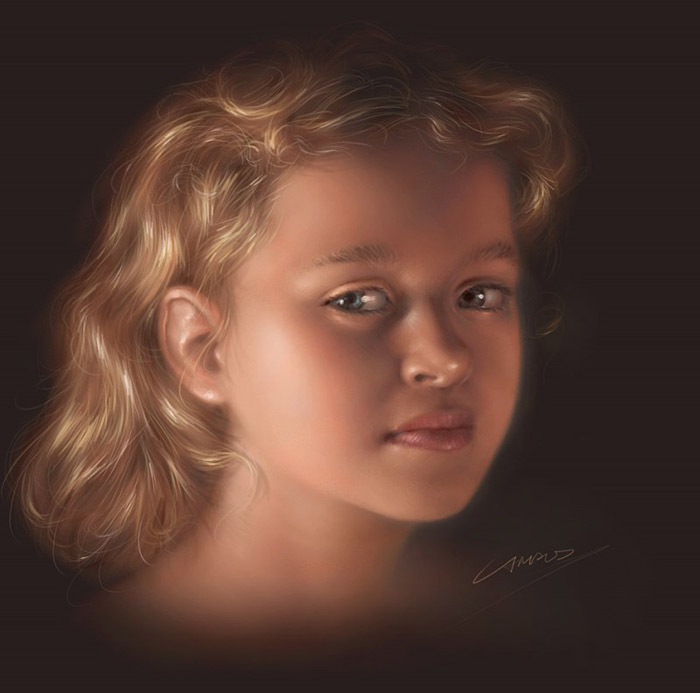
This comprehensive guide explains my technique for creating digital portraits using Painter or Photoshop. A tablet (Wacom or any other with pressure sensitivity) is a must-have requirement.
Step 1 — Initial Sketch
Begin by observing the subject briefly to absorb its shape, volume, colors and mood. Sketch the main shape loosely using a large brush at 60% opacity with one or two predominant colors, avoiding precision at this stage.
Step 2 — Building Volume
Using a smaller brush with very low opacity, focus on the subject's lighter areas with midrange colors positioned between the base color and brightest highlights. Keep it loose — no line drawings.
Step 3 — Adding Shadows & Features
Switch to the brushes tool for realistic blending, drawing main features like eyes, nose, eyebrows, and mouth while maintaining a loose style.
Step 4 — Refining Shape & Proportion
With elements in place, adjust any misaligned features and finalize light and dark areas to ensure proper proportioning.
Step 5 — Blending & Final Details
The final stage involves careful color blending through stylus pressure control and adding highlights, particularly around eyes and lips. Reserve hair painting for last.