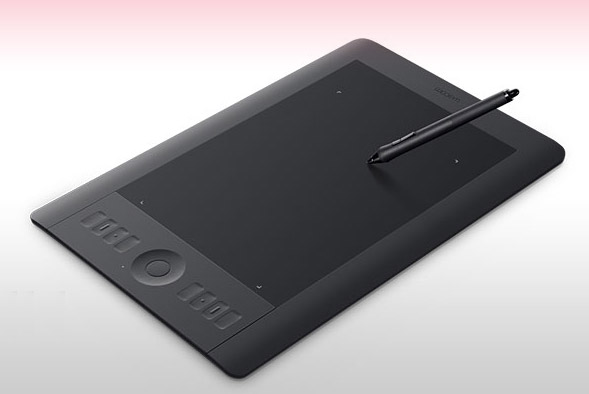
Drawing from 15 years of professional illustration experience, here's my comprehensive guide to choosing the right Wacom tablet.
Home Users & Hobbyists
I suggest the Graphire 4 6×8 for photo retouching and simple graphics. It's affordable and comes bundled with Photoshop Elements 3.
Aspiring Digital Artists
For those pursuing professional careers, invest in quality with the Intuos line, starting with smaller models like the Intuos 3 4×6 or 6×8 to avoid unnecessary bulk.
Size Considerations
Bigger is not necessarily better. I personally prefer smaller tablets, having downgraded from 9×12 to 6×8 due to excessive arm movement requirements.
Software Pairing
I recommend pairing tablets with Photoshop Elements for basic work, Photoshop (full version) for print-ready projects requiring CMYK support, Corel Painter for brush customization capabilities, or Paint Shop Pro as an accessible alternative.
Practical Tips
Customize smaller surface areas to reduce arm movement and consider the included mouse as backup rather than primary input device.